

Updated: August 8, 2025
Disclosure: This guide may reference products we earn from if you buy through our recommendations.
Running a small business means watching every dollar but your website can’t afford to be slow, unreliable, or offline during peak hours. Hosting is the foundation of your online presence. Get it right and your site loads fast, ranks better, and earns trust. Get it wrong and you’ll leak customers, calls, and credibility.
The good news: you don’t need expensive enterprise plans. The providers below offer cheap WordPress hosting with the essentials small businesses actually need solid uptime, easy setup, backups, and helpful support without the premium price tag.
Table of Contents
- Quick Comparison (at a glance)
- Pick by scenario
- Why you can trust this guide
- Hostinger – Best overall for small businesses on a budget
- SiteGround – Best for speed, stability, and support
- Bluehost – Best for true beginners
- Buying guide: how to choose cheap hosting (without regrets)
- Quick start: launch your business website in one afternoon
- Real-world impact: why hosting choice affects revenue
- FAQs: cheap WordPress hosting for small business
- Final recommendation
Quick Comparison (at a glance)
| Provider | Intro Price Range* | Strengths | Not Great For | Best For | Our Rating |
|---|---|---|---|---|---|
| Hostinger | ~ $2–$5 / month | Great value, simple panel, free essentials | Phone-based support | Budget-focused owners who still want speed | ★★★★★ |
| SiteGround | ~ $3–$7 / month | Excellent speed and support, daily backups | Media-heavy sites on entry storage | Performance-first sites and busy stores | ★★★★☆ |
| Bluehost | ~ $2–$5 / month | Easiest onboarding, beginner-friendly | The absolute fastest performance | First-time site owners and DIY builders | ★★★★☆ |
*Introductory, first-term promotional pricing. Renewal rates are typically higher.
Pick by scenario
- Tightest budget with good speed and features → Hostinger
- Speed, stability, and responsive support → SiteGround
- First website and want the smoothest setup → Bluehost
Why you can trust this guide
- We focused on what matters for small businesses: uptime policies, beginner-friendly WordPress tools, backups, support quality, and renewal realities.
- We did not pretend to run lab-grade benchmarks; those will come later. This guide is honest, practical, and designed for real-world decisions.
- We commit to refreshing this page quarterly for plan updates and feature changes.
Hostinger – Best overall for small businesses on a budget
Why Hostinger stands out
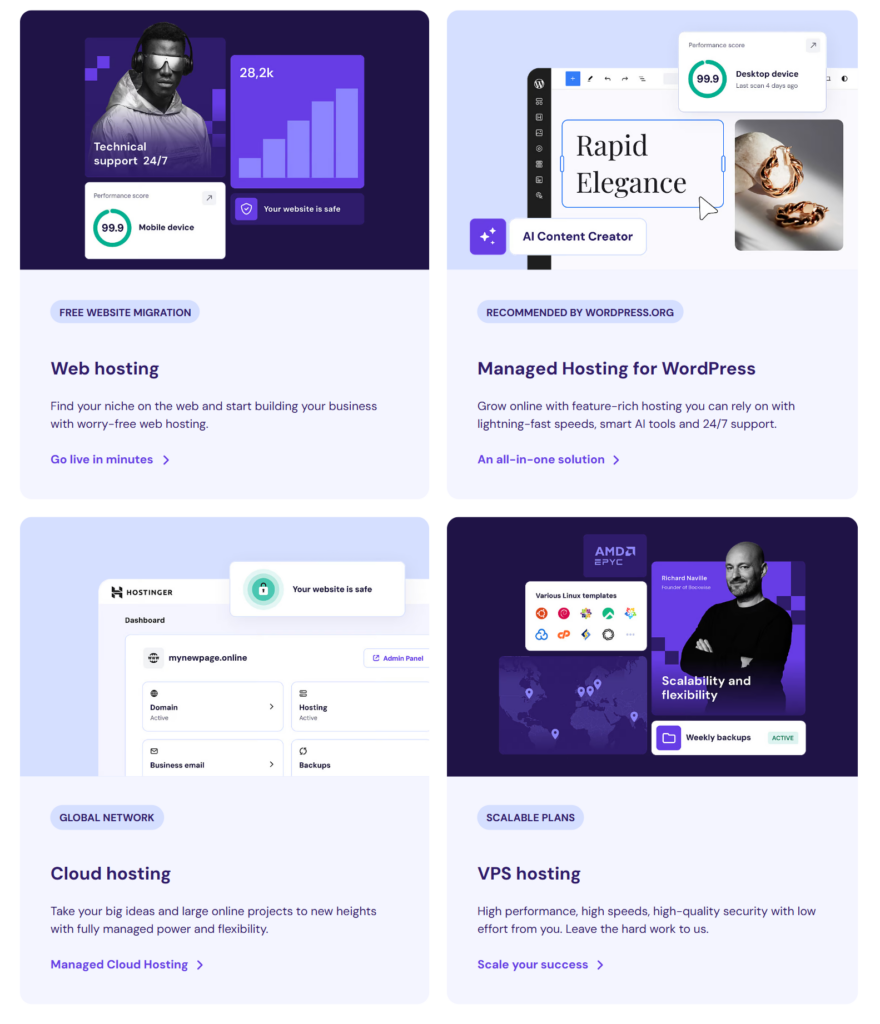
Hostinger hits the sweet spot of price, performance, and simplicity. Its WordPress plans usually include the must-haves SSL, email, and a clean control panel without upsells that confuse beginners. If you need a site that loads quickly and doesn’t break the bank, this is an easy yes.
Read Complete review on Hostinger
What small businesses will like
- Guided WordPress setup and a straightforward dashboard
- Data centers in multiple regions for better local load times
- Free essentials on lower tiers that some rivals reserve for upgrades
- Strong value even before you scale
Trade-offs
- Renewal pricing jumps after the first term
- Support is primarily live chat, not phone
Best for
Cost-conscious owners who still want a modern, fast WordPress setup local service businesses, freelancers, and simple e-commerce catalogs.
SiteGround – Best for speed, stability, and support
Why SiteGround stands out
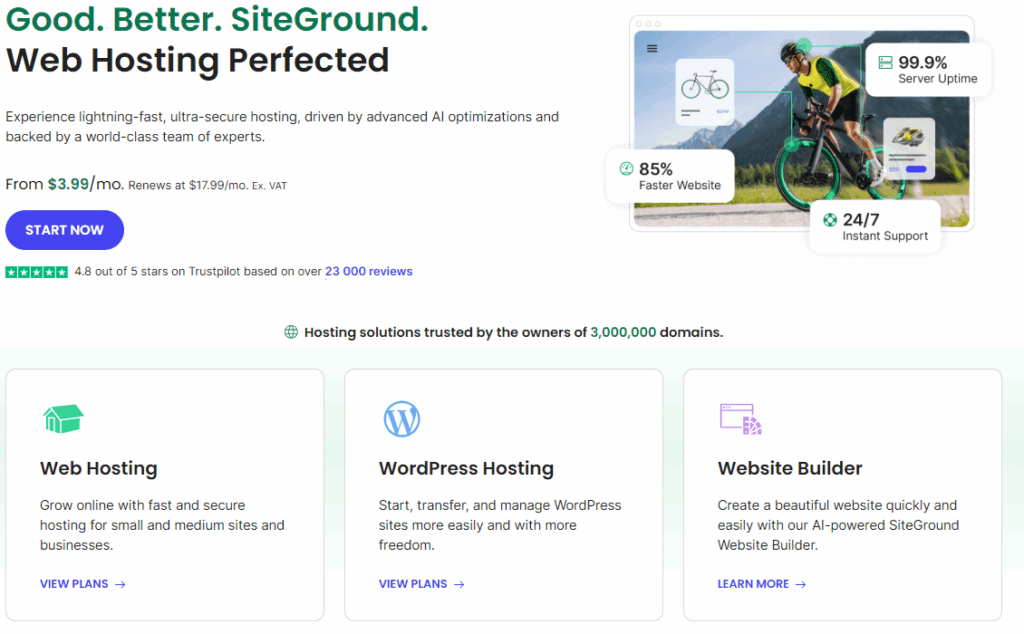
If performance and support are your absolute priorities, SiteGround delivers. The stack is tuned for WordPress with built-in caching, a simple staging workflow, and reliable daily backups. For appointment-driven businesses or stores, shaving seconds from load time can directly increase bookings and sales.
What small businesses will like
- Server-level caching and a performance-minded platform
- Daily backups on entry plans for easy rollbacks
- Knowledgeable support with strong WordPress fluency
- Proactive security and updates
Trade-offs
- Renewal pricing is higher than many budget hosts
- Entry storage is limited; media-heavy sites may need the next tier
Best for
Businesses where speed and uptime are mission-critical clinics, restaurants with online ordering, busy WooCommerce shops.
Bluehost – Best for true beginners
Why Bluehost stands out
Bluehost keeps the learning curve gentle. From domain purchase to WordPress installation, the onboarding is guided and beginner-friendly. If this is your first website and you want minimal setup stress, Bluehost is a comfortable place to start.

Read complete review on Bluehost
What small businesses will like
- Very simple onboarding and one-click WordPress
- Free domain for the first year on many entry plans
- Phone and chat support with clear navigation in the dashboard
- Sensible defaults so you can get online quickly
Trade-offs
- Performance is good for simple sites but not the absolute fastest
- Renewal pricing increases after the first term, like most providers
Best for
First-time site owners, consultants, coaches, and freelancers who value easy setup over advanced tuning.
Buying guide: how to choose cheap hosting (without regrets)
1) Understand true cost
Intro pricing is where the savings are; renewals are often two to three times higher. If cash flow allows, lock in a longer first term to extend your discount. Calendar your renewal date so you can reassess calmly, not in a panic.
2) Match resources to your site
A brochure site with a few pages and a contact form can live happily on entry-level shared hosting. If you expect consistent traffic spikes, run WooCommerce, or rely on appointment bookings, consider a tier up for CPU/RAM headroom.
3) Prioritize backups and support
When something breaks, you need both responsive help and a clean restore point. Daily backups and an easy restore process are worth real money when issues arise.
4) Look for WordPress must-haves
One-click install, automatic updates, basic caching or CDN compatibility, and a staging environment if you plan changes regularly. These save hours and prevent mistakes.
5) Security basics
Free SSL, automatic security patches, malware scanning where possible, and the ability to turn on two-factor authentication for your account.
Quick start: launch your business website in one afternoon
- Choose your host and plan based on the scenarios above.
- Register your domain; keep it short and easy to spell.
- Install WordPress using the one-click tool in your dashboard.
- Pick a lightweight theme with clear typography and fast performance.
- Install only essential plugins: caching, image optimization, backups, a contact form, and basic SEO.
- Publish core pages: Home, Services or Products, About, Contact, and one helpful blog post that answers a customer pain point.
- Connect Google Analytics and Search Console; submit your sitemap.
Real-world impact: why hosting choice affects revenue
Imagine two local service businesses. Both run WordPress and target the same town. One site loads in under two seconds and enjoys near-perfect uptime; the other takes six seconds and experiences intermittent outages. The faster site ranks higher, gets more calls, and converts more visitors into bookings purely because the user experience is better. Hosting isn’t just a tech detail; it’s a revenue lever.
FAQs: cheap WordPress hosting for small business
Is cheap hosting good enough for a business website?
Yes if you pick a provider with reliable uptime, backups, security basics, and responsive support. Cheap does not have to mean flimsy.
How bad are renewal hikes?
Expect renewals higher than the intro deal. Reduce the sting by choosing the longest first term you can reasonably afford, and set a calendar reminder to review plans before renewal.
Do I need managed WordPress hosting?
Not for most small sites. Shared WordPress hosting is fine for brochures, portfolios, and modest stores. Consider managed plans if uptime, staging, and premium support are mission-critical or your traffic is scaling fast.
Which is faster among budget hosts?
It depends on theme, plugins, location, and traffic. As a rule, hosts with server-level caching, current PHP, and nearby data centers will feel faster. SiteGround tends to prioritize performance; Hostinger offers compelling speed for the price.
Can I move later if I choose wrong?
Yes. All three providers here support site migration. Many hosts offer free or guided migrations to make switching painless.
What matters more: unlimited storage or speed?
Speed. Most small business sites use modest storage. Faster load times have a direct impact on conversions and local SEO.
How long should I buy the first term for?
If your budget allows, twelve to thirty-six months for the intro rate is typically the best value.
Will I outgrow shared hosting?
Possibly, if traffic grows or you add heavy functionality. Each provider here offers easy upgrades to higher-tier plans with more resources.
Final recommendation
- Tight budget, strong value → Hostinger
- Speed and support first → SiteGround
- Absolute beginner and need the simplest setup → Bluehost
Pick one, lock in the first term, get your site live, and put your energy into content and offers. Hosting should be reliable, fast, and mostly invisible.
